What is a dot? AI workflows you run with one click
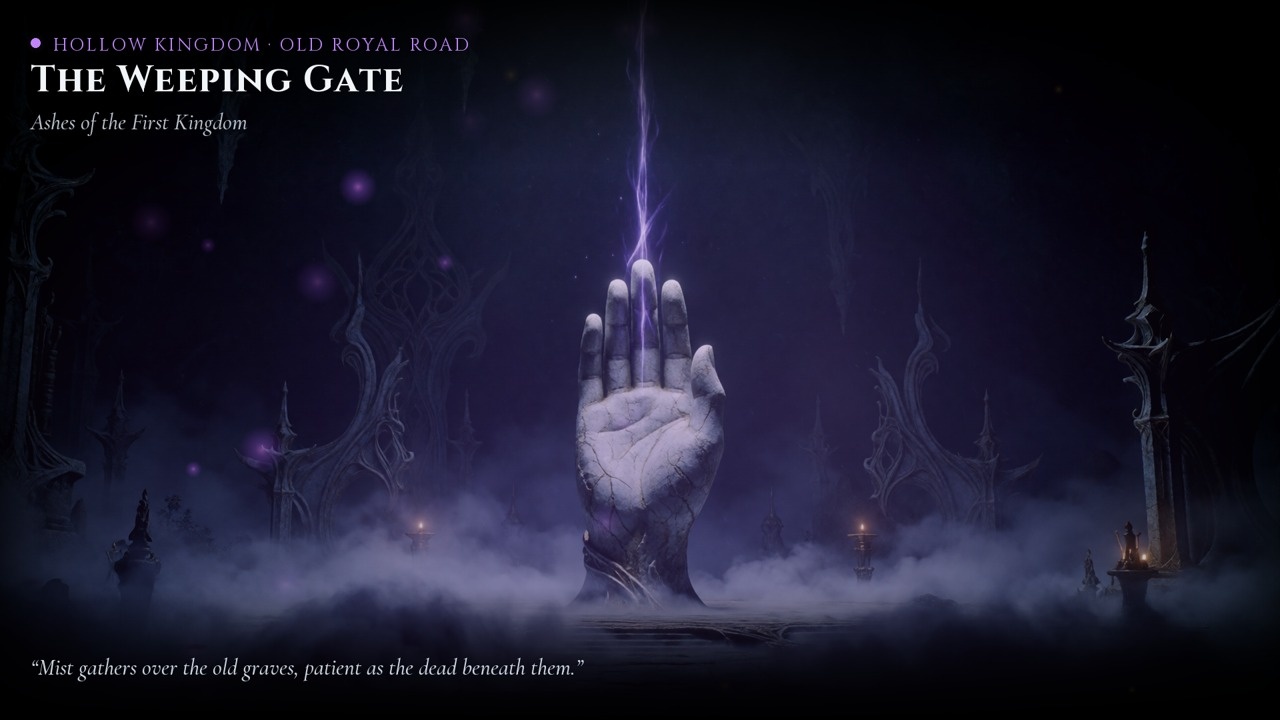
A good AI result is rarely just a prompt. It's a model, a refined prompt, a seed that works, a style, and a few steps after generation: a shader, a title, the right font. Getting all of that right takes hours. Sharing only the prompt loses most of it.
A dot is the whole workflow, packaged so anyone can run it and get the same result.
An example: dark fantasy thumbnails
The Dark Fantasy Thumbnail dot makes YouTube thumbnails for a dark fantasy ambient channel:
- Krea 2 generates the image from a tuned prompt and seed.
- A Python step adds the shader, the title and the subtitle with matching fonts.
You change the prompt or the seed, press Run, and get a finished thumbnail. You don't need to know how the prompt was tuned.
It runs on your computer
Dots run locally, on your own hardware, so running one is free.
- Install the small DotStories app once (Windows or Mac).
- Press Run on the website. The app downloads what the dot needs: Python, the libraries and the model.
- Already have models from ComfyUI or Hugging Face? The app finds them and reuses them instead of downloading them again.
- Before it starts, you see an estimate of how long it will take on your machine.
Every dot runs in a sandbox, so it can only touch its own folder.
Share what you made
Every setup lives in the link. Change the prompt and seed, copy the link, and whoever opens it sees exactly your setup, ready to run. That's the point of DotStories: showing what is possible today with AI, and how to get there.